BrainDetox — screen time tracker & best app blocker
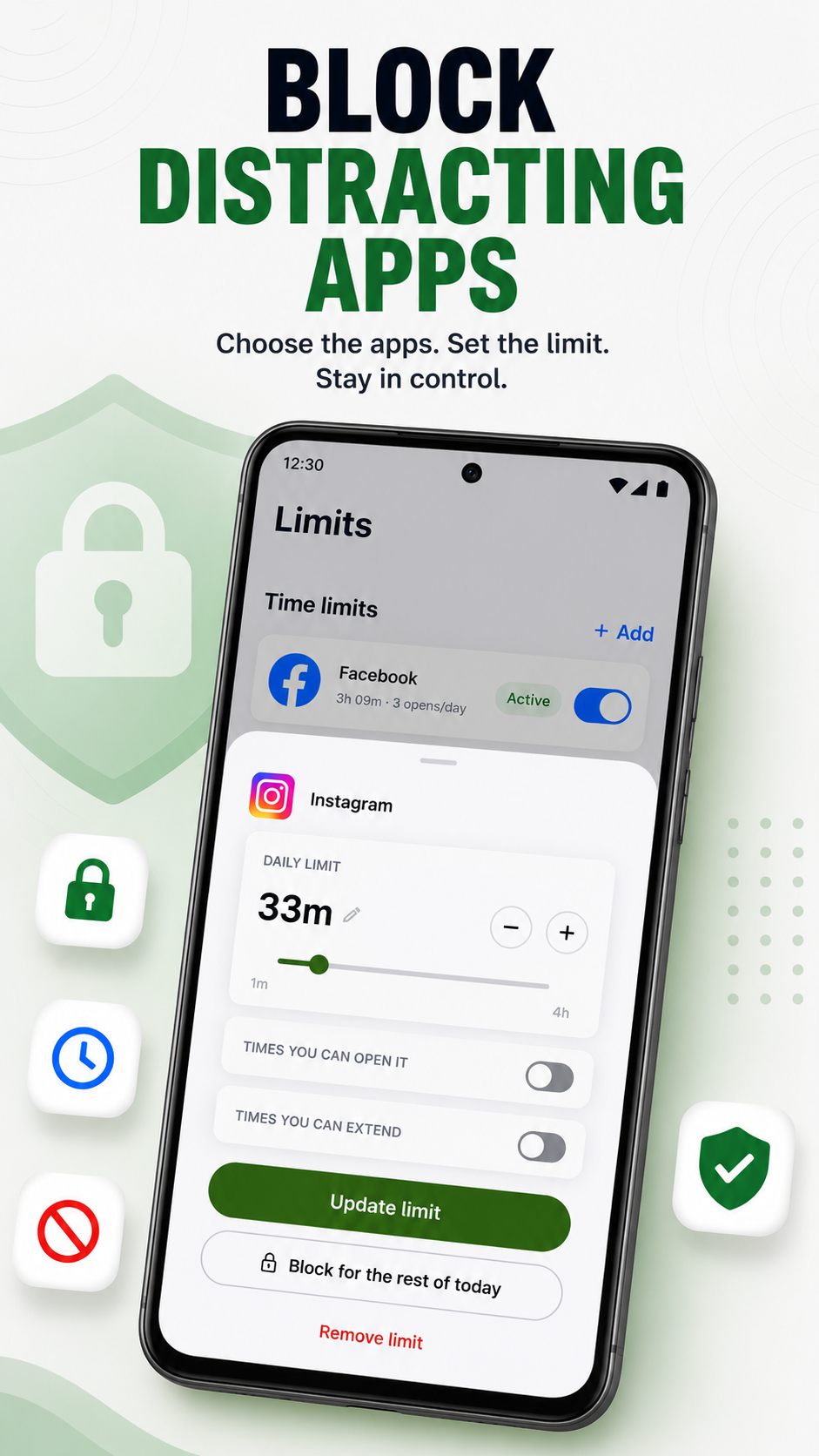
BrainDetox is a screen time tracker and app blocker for people who want their phone to feel useful again. It shows where your time goes, blocks distracting sites and apps, and helps you set practical limits before scrolling takes over. Use it as a focus app for work, study, sleep routines, or quieter days.
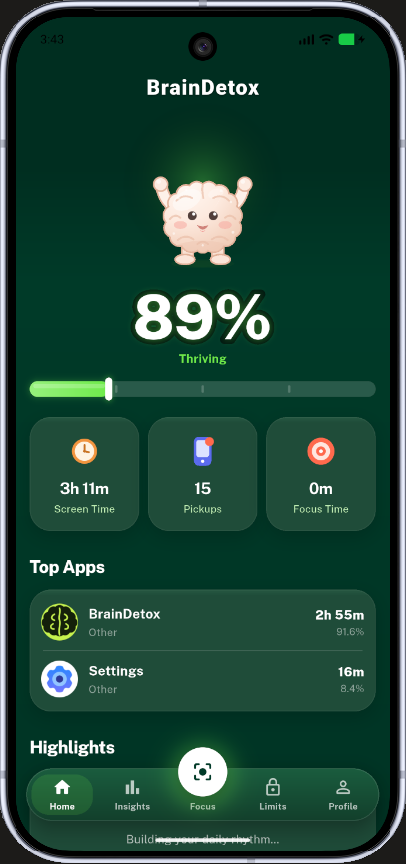
Screens shown with sample data.
Looking for an app to restrict screen time?
BrainDetox gives you a straightforward way to cut digital noise without turning self-control into another daily chore. Instead of guessing why your attention feels scattered, you can use a phone usage tracker to spot patterns, then set blocks and limits around the apps or websites that pull you off track. If you need an app that limits time on social media, entertainment, or habit-forming feeds, BrainDetox makes that decision easier in the moment.
Take control of apps, sites, and scrolling habits
The best app blocker is the one you actually use consistently. BrainDetox keeps the experience practical: choose what distracts you, decide when it should be off, and build repeatable routines around your real day. It works for people comparing screen time apps, or a clarity app that supports calmer phone use.
With BrainDetox, you can:
- Track daily phone usage so your habits are visible, not vague.
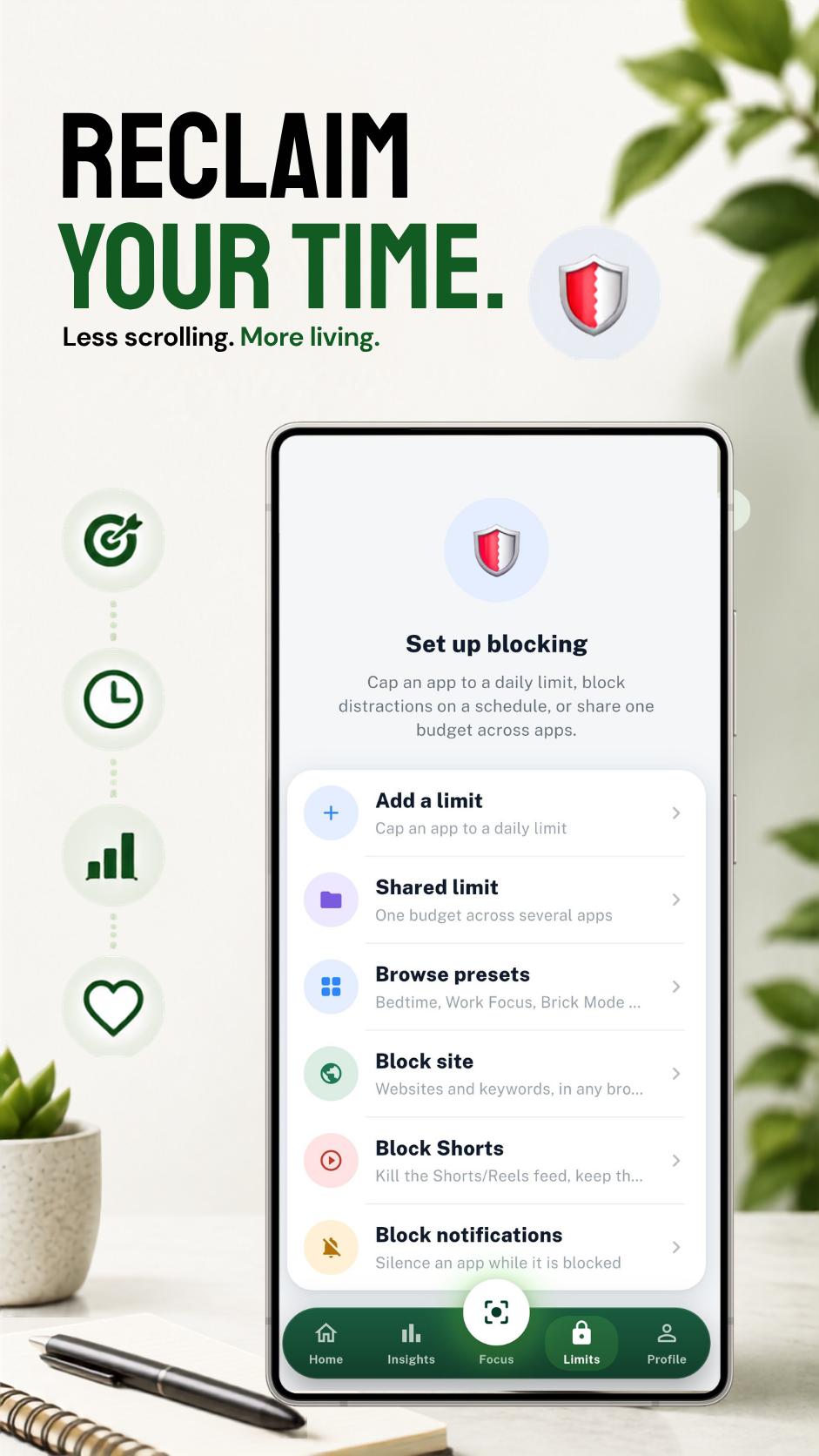
- Use a site blocker to reduce visits to distracting pages.
- Block selected apps during focus, study, or rest periods.
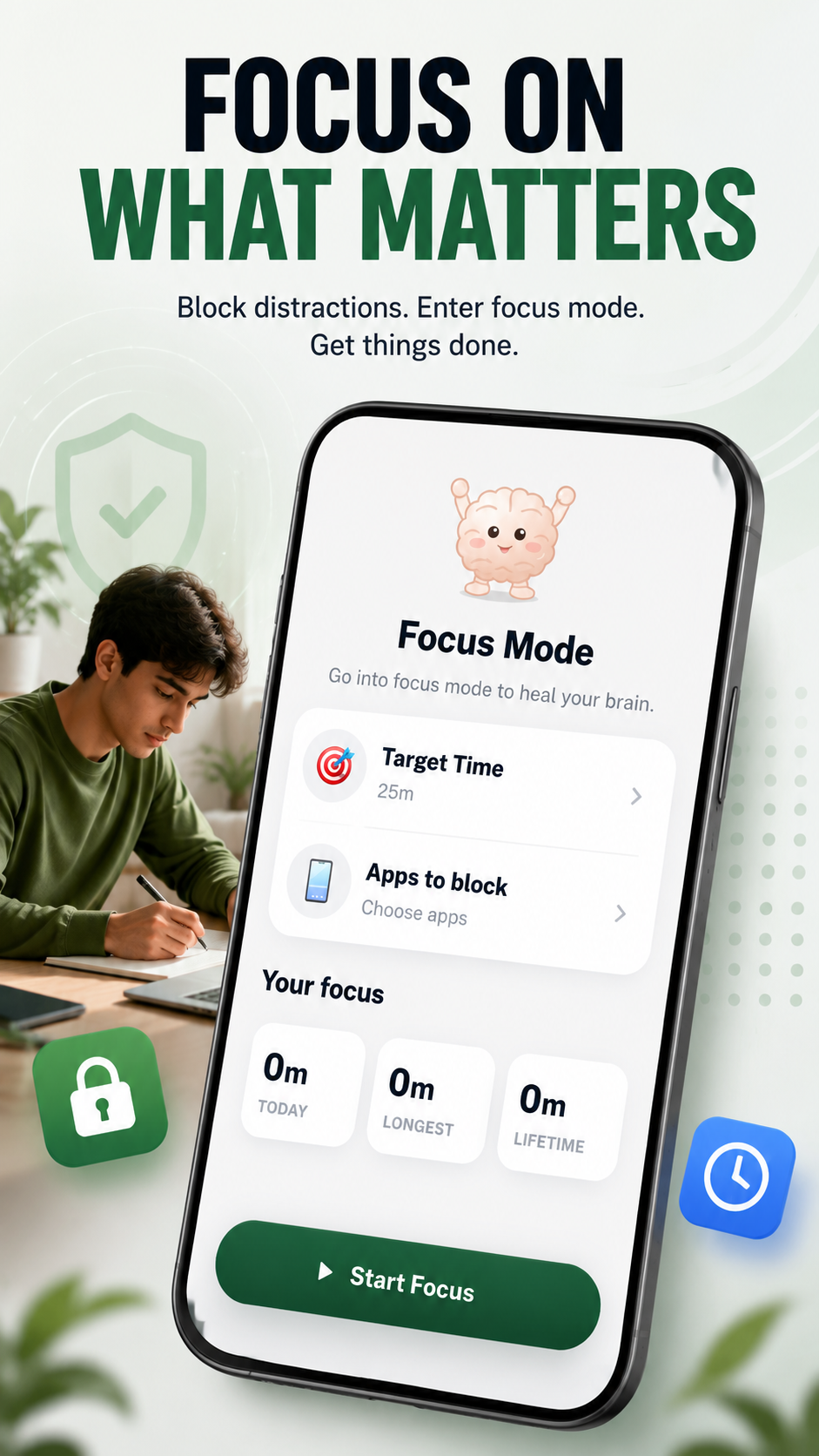
- Set time blocking routines for deep work, chores, reading, or bedtime.
- Create boundaries around social media when “just a minute” becomes an hour.
Built for real-life focus, not perfect routines
You do not need a complicated productivity system to benefit from BrainDetox. Start with one distracting app, one part of the day, and one clear reason: finish a task, avoid late-night scrolling, or stay present with people around you. Small limits are easier to keep, and they often reveal which habits deserve stronger blocks.
A simpler path to digital balance
Many people download screen time apps after feeling frustrated, distracted, or tired of automatic scrolling. BrainDetox turns that frustration into action by combining tracking, blocking, and repeatable schedules in one focused experience. You get a clearer view of your behavior and a practical way to change it without relying only on willpower.
Screens
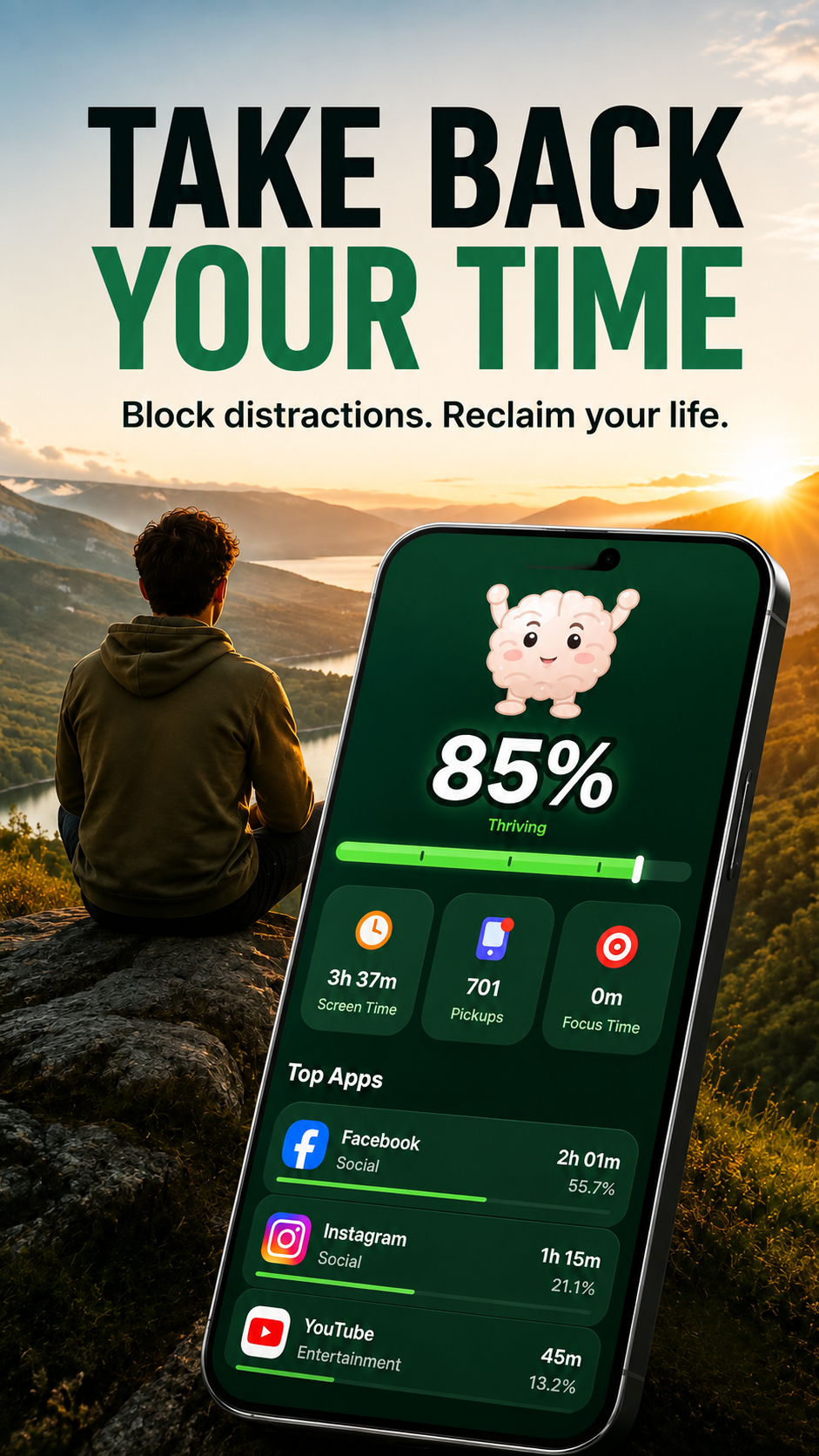
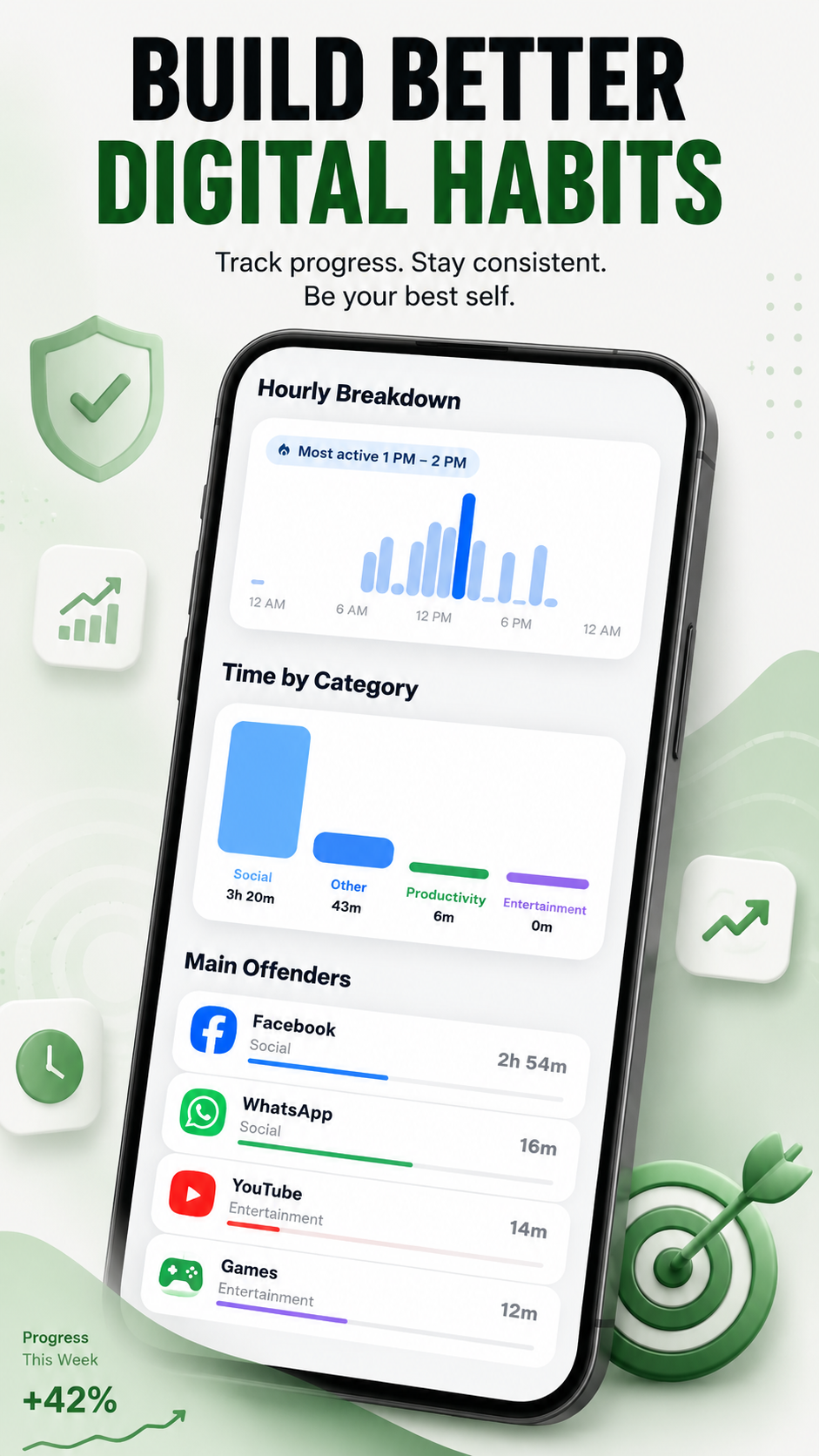
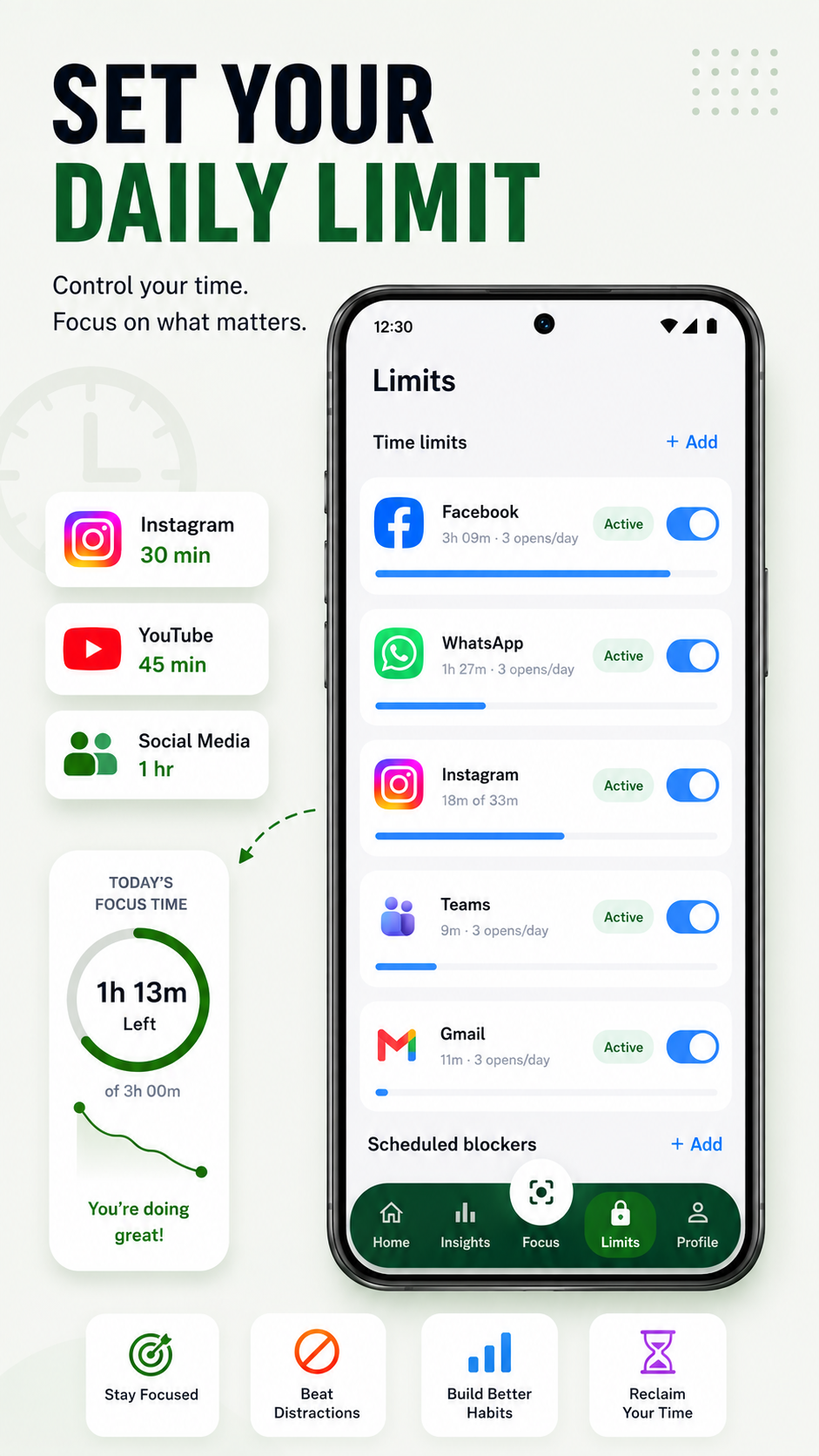
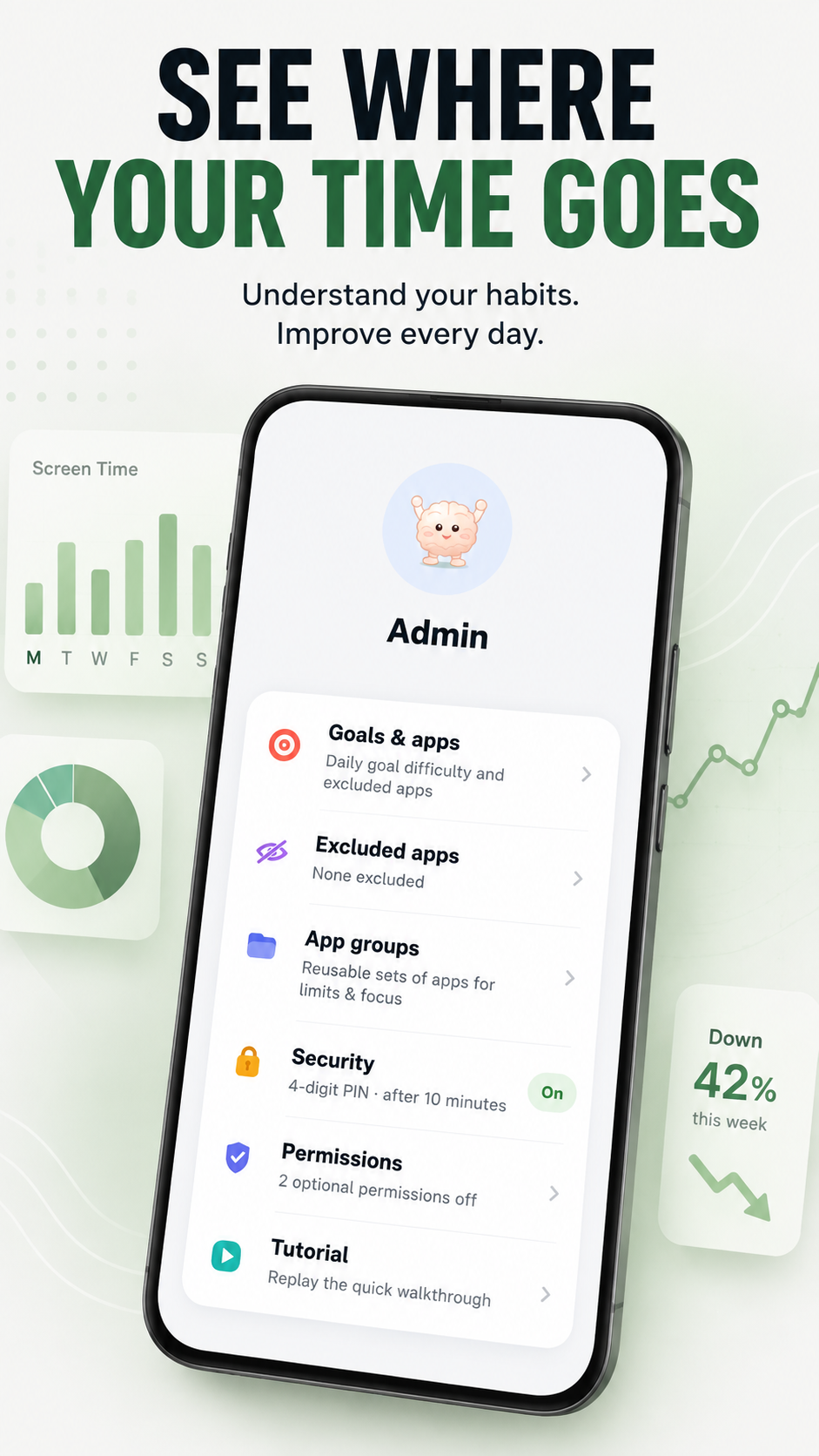
Download BrainDetox on your phone and set your first block today. Pick the app or site that steals the most attention, choose a focus window, and let BrainDetox support the boundary when temptation shows up.
FAQ
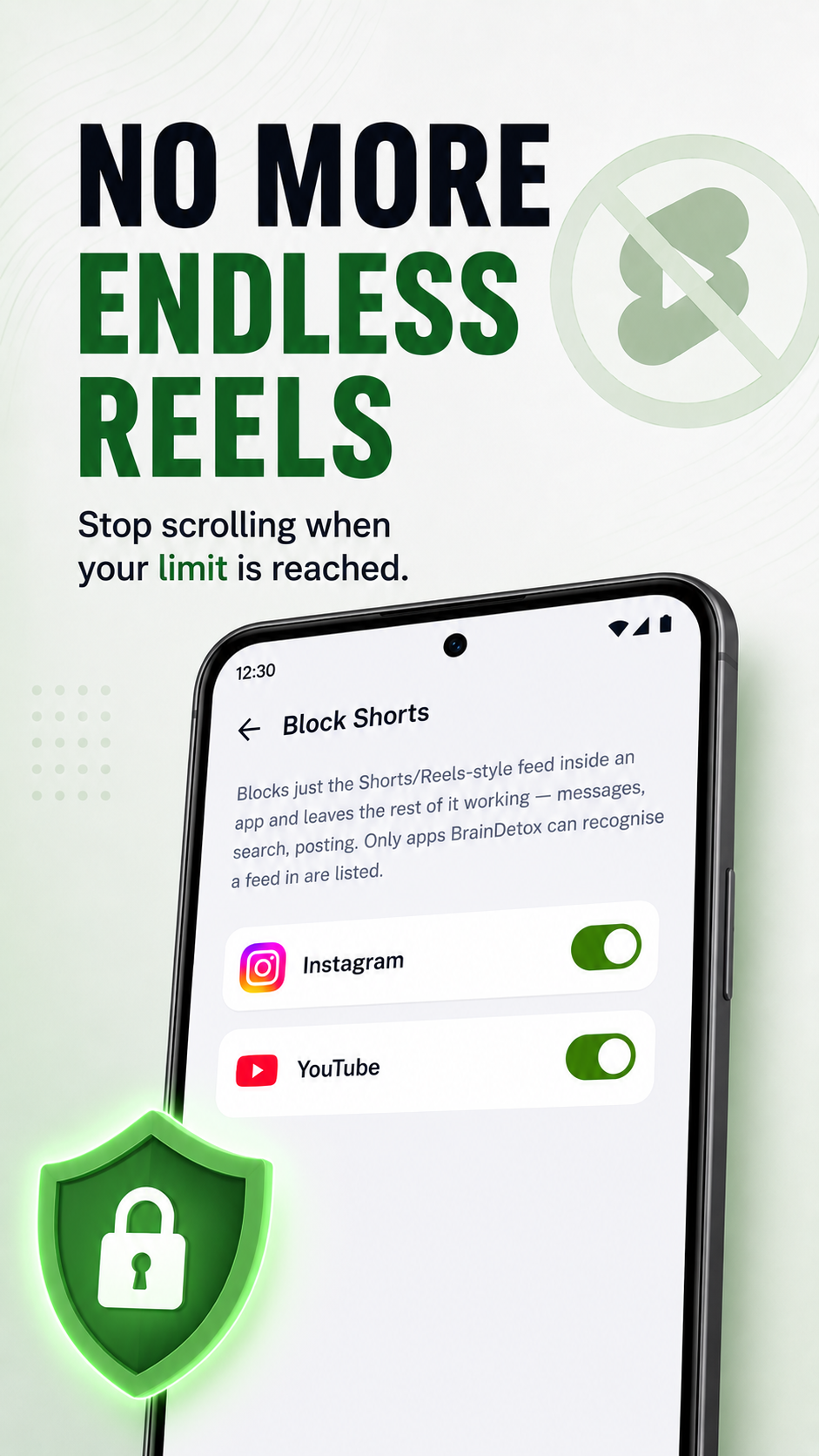
BrainDetox is a free screen time tracker, phone usage tracker, and app blocker for mobile. It shows how long you spend in each app, enforces the daily limits you set with a block screen, blocks websites and endless feeds like Reels and Shorts, and runs focus sessions. Your screen time data stays on your phone.